Non Stock Parts Report
The Non Stock Parts Report shows you how often you sell non-stock parts. Tracking this information helps you decide if you want to stock the parts in the future.
Report Criteria
You can select the following report criteria:
- Department Group
- Department
- Supplier
- Sort Order: Part No, Alternate Number, Description, Line Code
- Group On: No Grouping, Supplier, Department, Location, Line Code
- Line Code: A specific line code can be entered
- Parts marked for stocking
- Parts marked for non-stocking
- Parts marked for consigned
Select one of the following options after the Print button is selected.
- Avg 30-day usage uses the following calculation: Total number sold/(Total_Days/30) where Total Days=Today's Date-Start Date
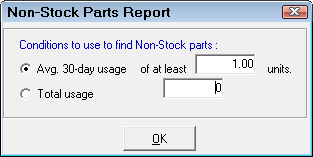
- Total Usage is the total number sold.
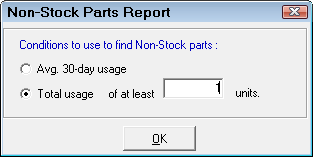
Click OK and the Non Stock Parts Report runs.
Report Sample

Report Information
The report includes the following information:
- Line - Line Code
- Part Number
- Alternate Number
- Description
- Location - Part location
- First Sold On - The date the part was first sold
- Avg 30 day use - Average 30 day use
- On Hand