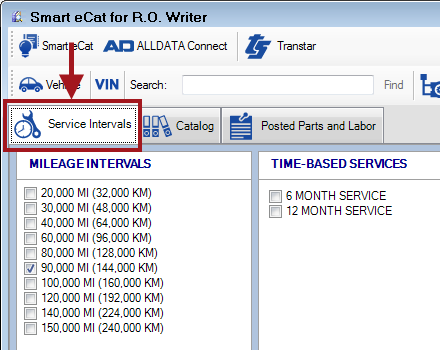
Accessing Service Intervals Plus
You access Service Intervals Plus by clicking the button in the Quick Launch.

NOTE: The Service Intervals button should be in the Quick Launch by default. If you do not see it, check your Configuration settings.
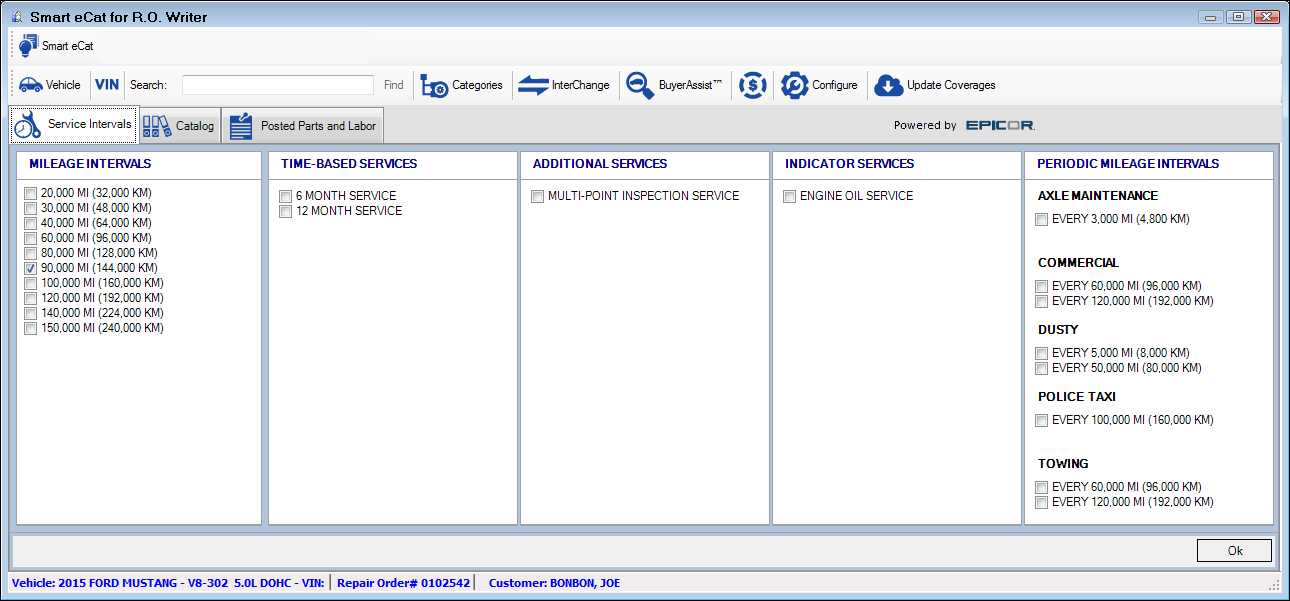
NOTE: The Service Intervals tab replaces the Smart eJob tab.
After selecting a service, you can use the power of Smart eCat to
- Search for and select the parts and labor included in that service.
- Search all your integrated online catalogs for the selected parts at the same time.
- Order the parts.
- Post the selected (and ordered) parts directly to an open ticket.