R.O. Writer 1.31 System Requirements
R.O. Writer requires that your shop's computers meet specific hardware and software requirements.
To see the system requirements for R.O. Writer 1.31, click the following link: 1.31 System Requirements.
Computer Performance Report (CPR)
R.O. Writer developed the CPR tool so that you can scan any computer to see if the computer meets the hardware and software requirements to run R.O. Writer.
The CPR tool produces a report you send to R.O. Writer Support.
To Download and Save the CPR Tool
The CPR tool can be downloaded to any computer. You are prompted to save the zip file to the hard drive of the current computer. You can save the zip file anywhere on your computer.
To Run the CPR Tool
Complete these steps:
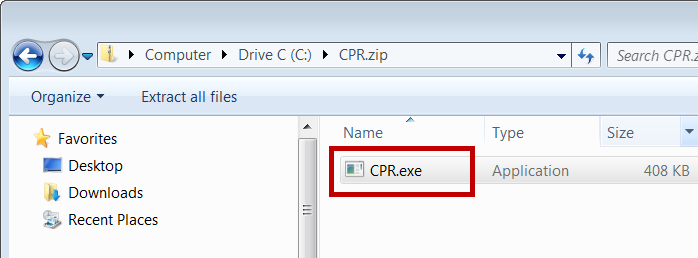
- Open the CPR.zip file.
- Double-click the CPR.exe. (You can run the CPR.exe from inside the zip file. )
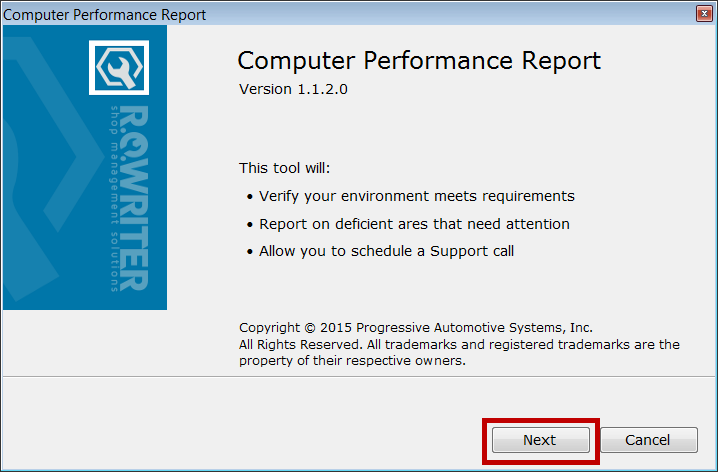
- Run the application.
- Click Next.
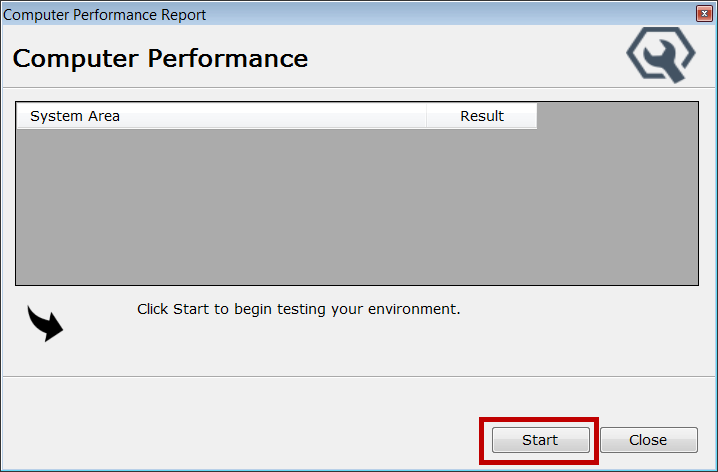
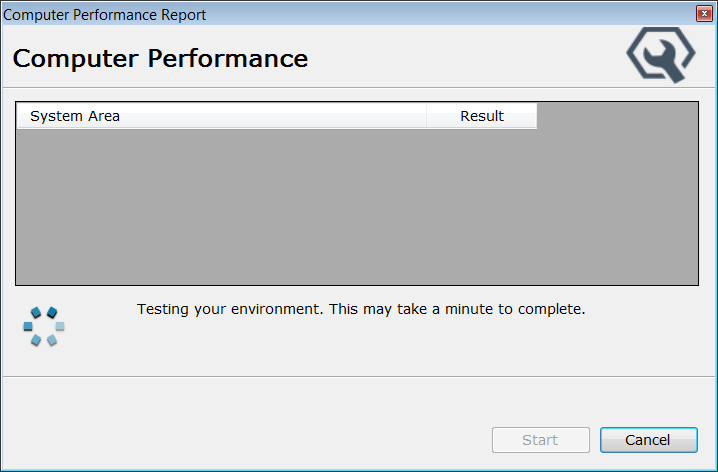
- Click Start.
- The CPR tool scans the computers and shows you the passes, fails, and potential issues.
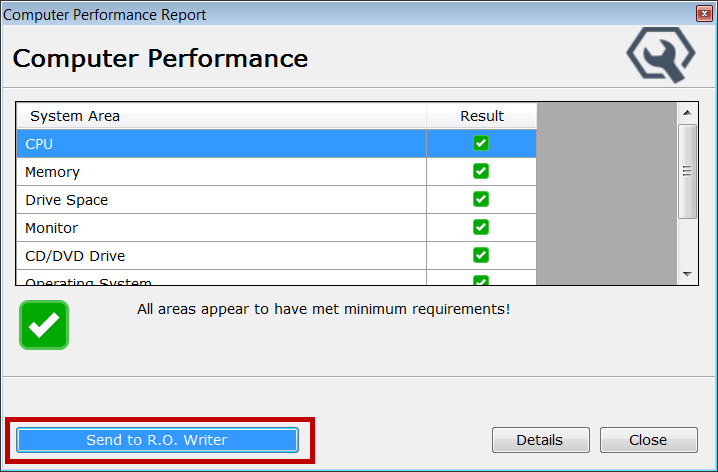
- The results display in the window.
- To see specific information about which requirements passed or failed, click Details.
Your default browser window opens displaying the full report. It explains the requirements that necessary to pass a system check. Click the thumbnail below to see the full report.
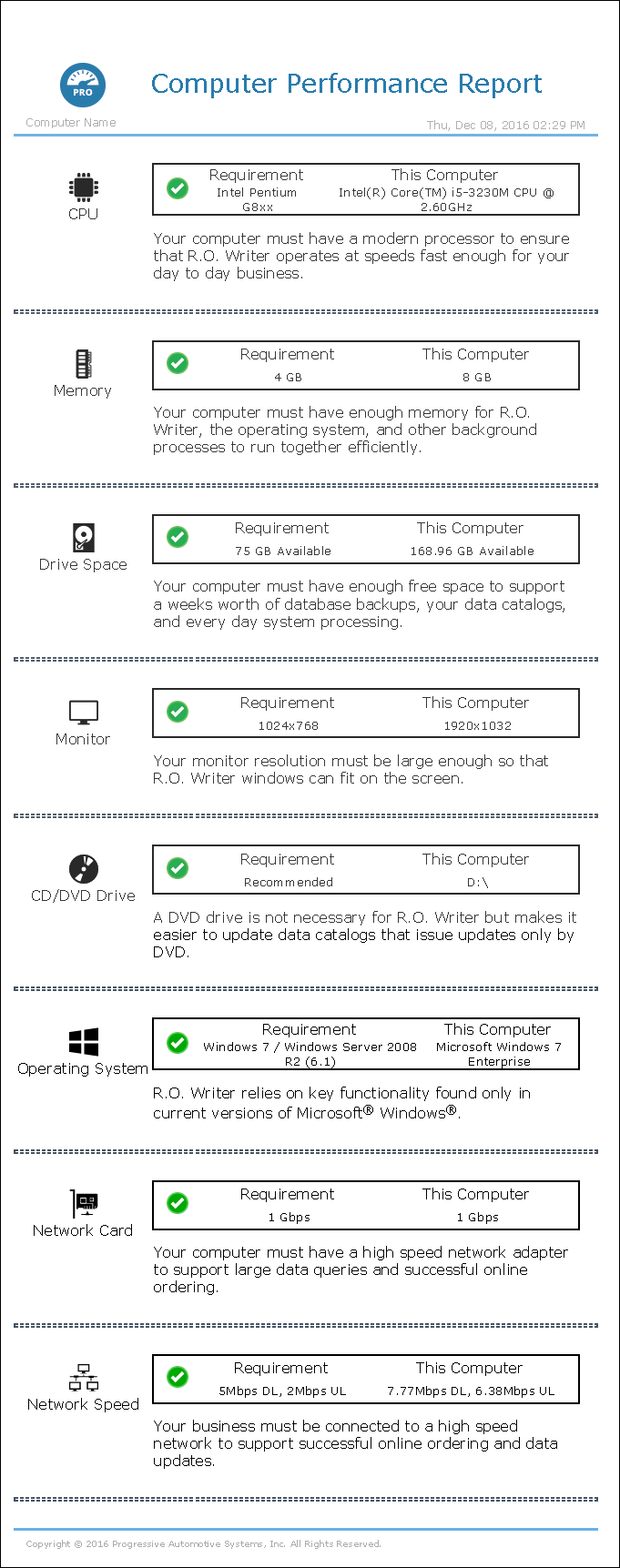
This HTM file is always stored on your hard drive in the following location (no matter where you store the CPR.zip file): C:\ProgramData\Progressive Automotive Systems\Computer Performance Report - R.O. Writer\1.1.2.0
To Send the CPR Results to Support
You send the CPR results to R.O. Writer Support so that they can determine if you are eligible for an upgrade or a new installation.
NOTE: Always send the results to R.O. Writer Support - even if there are some failures or issues. Some failures are not disqualifiers. Support will review the results and make the determination.
Complete these steps:
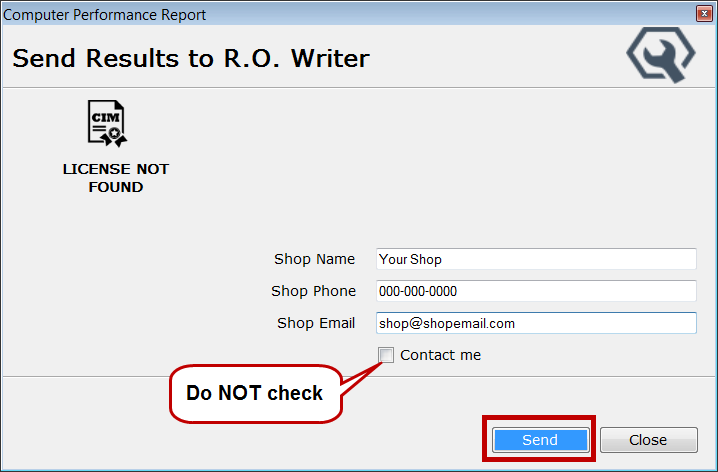
- When the report results appear, click the Send to R.O. Writer button.
- Type in your contact details.
- Do NOT check Contact Me. Support will review your report and contact you.
- Click Send.
- The report is sent to R.O. Writer Support.